B.G. Willers
Gaming DadPixlr
Quite a few of the pictures here are run through a Photoshop wringer before they get uploaded. Most of the time it’s just cropping something, or making adjustments to try to make up for my crappy picture taking. Now there’s a great website out there that has all the basic functionality of Photoshop. It’s free. And you don’t need to install anything, so you can use it on any computer with internet access.
Here’s a quick example of some editing that took just a couple minutes.
First pick the image you want to edit. You can either load a picture off your hard drive, or use the URL of any image on the web. I used a picture from my Picasa gallery, but you could also use an image you found in a Google image search as well.
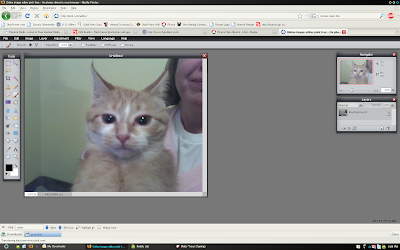
Here's what you see once your image is loaded.
You can easily crop images, or adjust levels to make up for bad lighting.
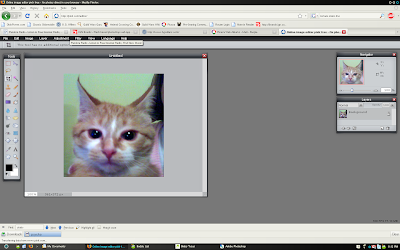
Cell phones don't take the best pictures.
While not as powerful as Photoshop by any means, there are a few more advanced tools you can have fun with!
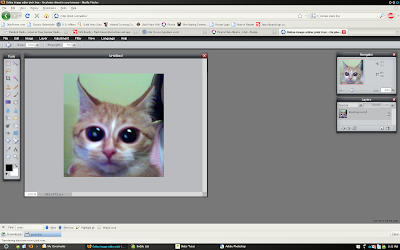
Now she looks more psycho than she actually is.
So there ya go. Head over to the site and piddle around with it, and have some fun!
March 10th, 2009 at 9:18 pm
So I totally thought I already posted this but I’ve lost my mind in the last week or so. Anyway….
Thanks for the link I have used this a few times now and am starting to like it. I mean common its not Gimp (lol) but its pretty cool that its all online and free. Sweet Action!